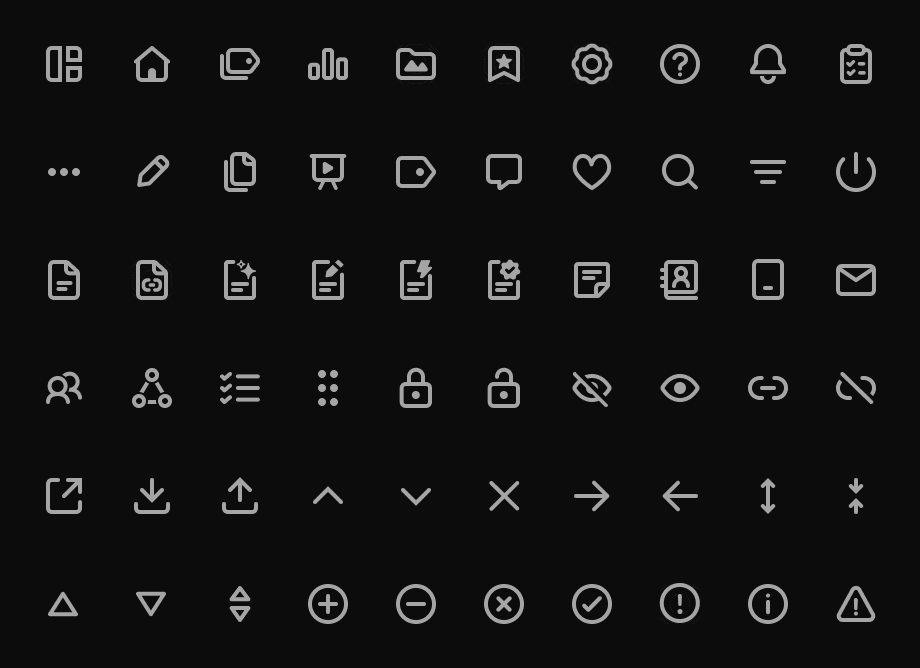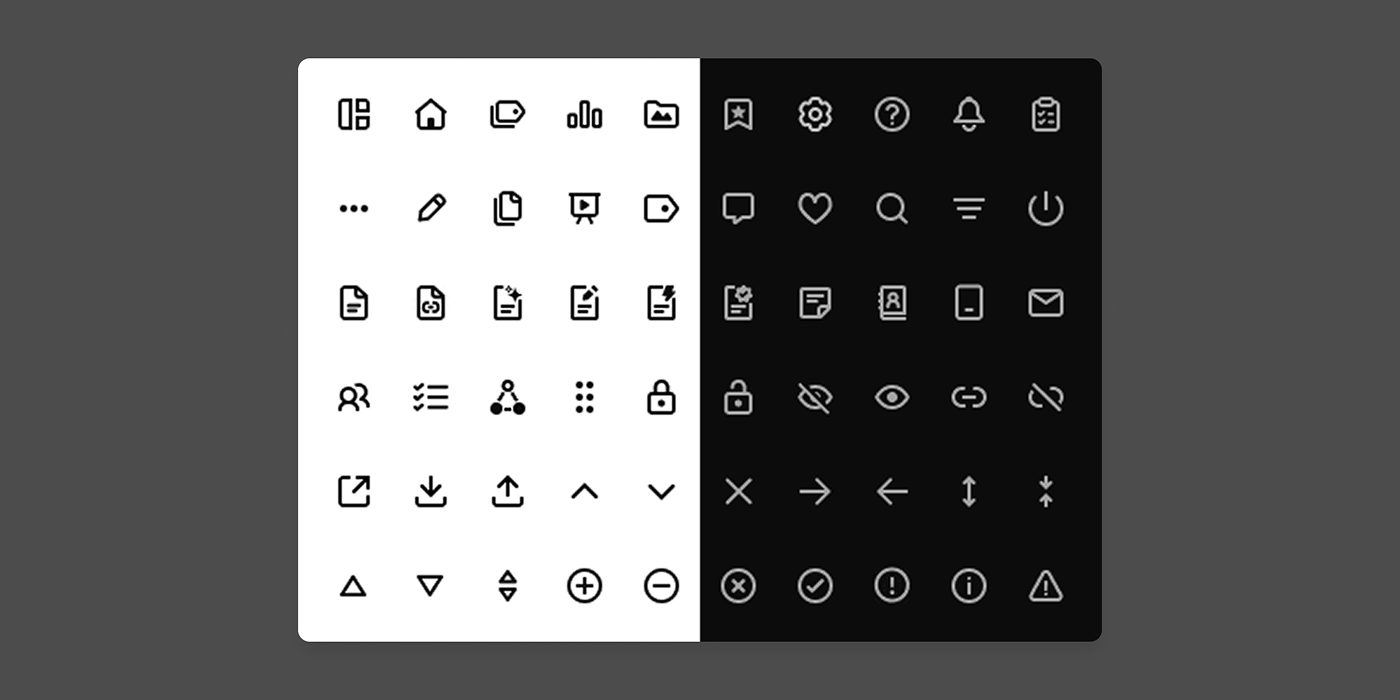
Icon Creation, Step by Step

Company: Advisr
Role: UI Designer
Device: Desktop
Tools: Figma, G Suite
Overview

Self initiated project to document our current icon set and to make updates so that the icon set feels consistent.

Team Collaboration

My Role

  • Document all icons that appear on Advisr
  • Research on icon sets and styles
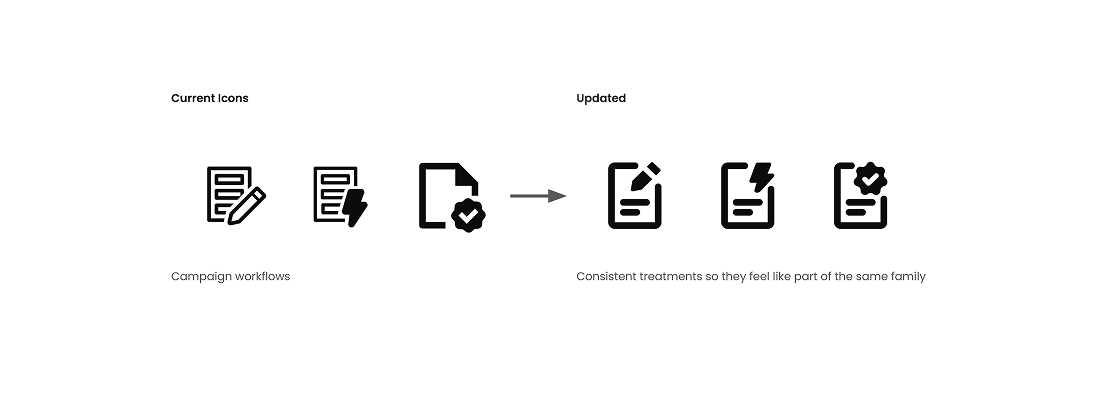
  • Redraw icons to make styling consistent
  • Share new icon sets with engineer

QA & Engineer

Updated the Icons in the codebase

Icon Documentation & Research

Before creating a set of icons. I ran an audit and documented Icons that exist in advisr.
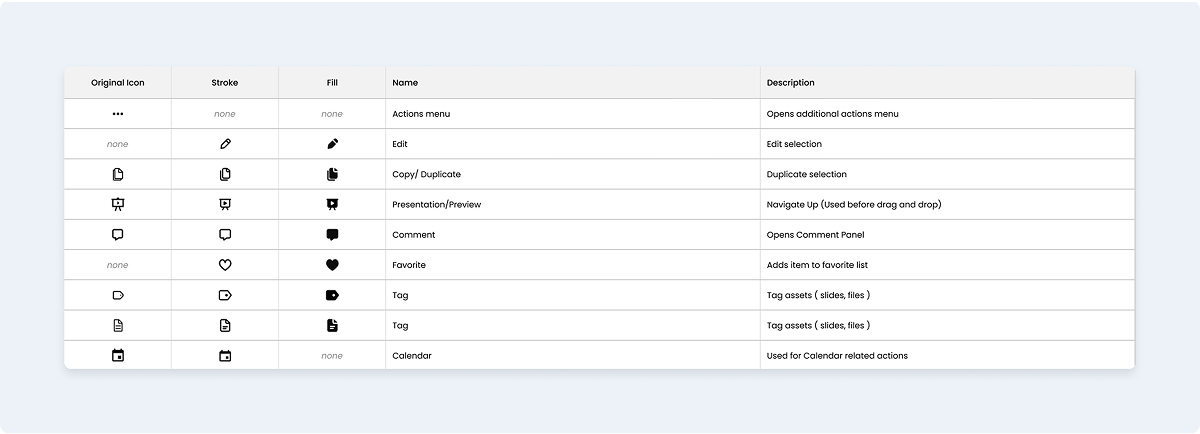
Documentation

Look through the site and document existing icons and how they should be used.

Observations

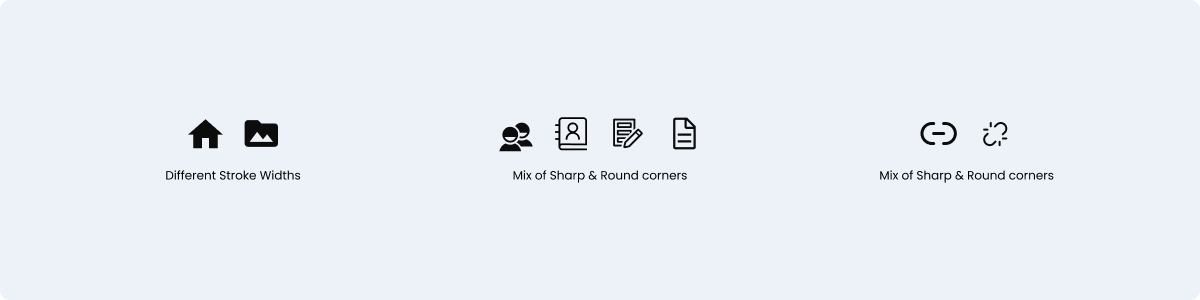
  • Since the icons were pulled from different resources, icon styling was inconsistent (ex., Client's icon looks different from Contacts.)
  • Some icons had sharp edges, while others had rounded edges
  • Different stroke widths

Research

Research helps guide the creation of the icon set

  • Some companies make their Design Systems public (ex., Google Material Design) with documentation as a reference.
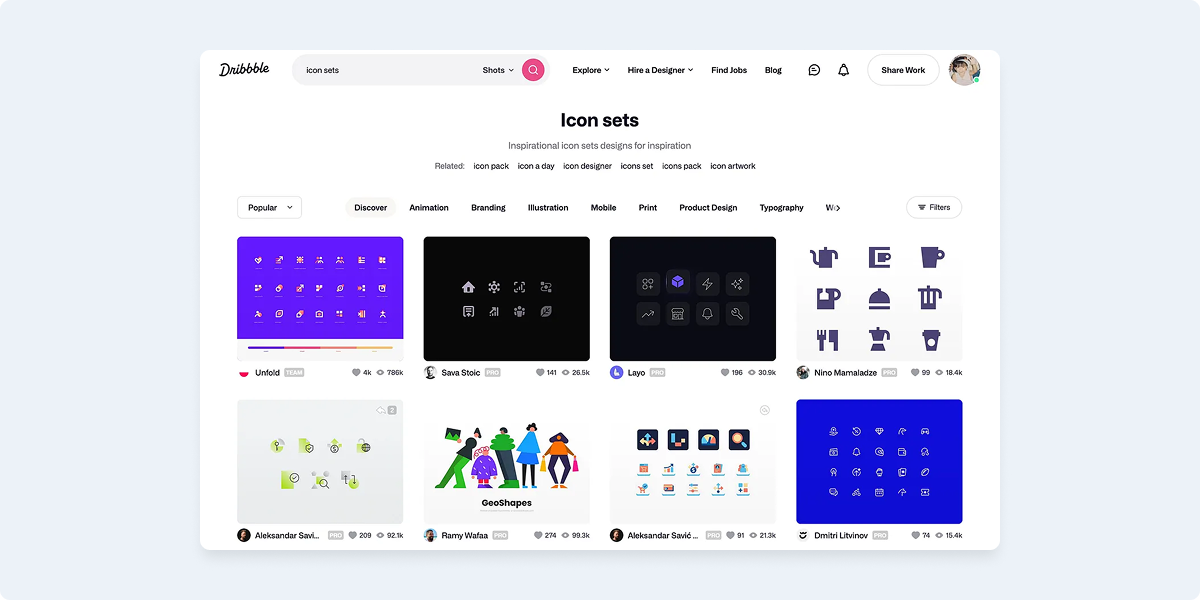
  • Sites like Dribbble for inspiration
  • Fonts can also be licensed (ex. Font Awesome)

Creating an Icon template

For my icons, I used Figma. The icons will be created using 24x24 px frames.
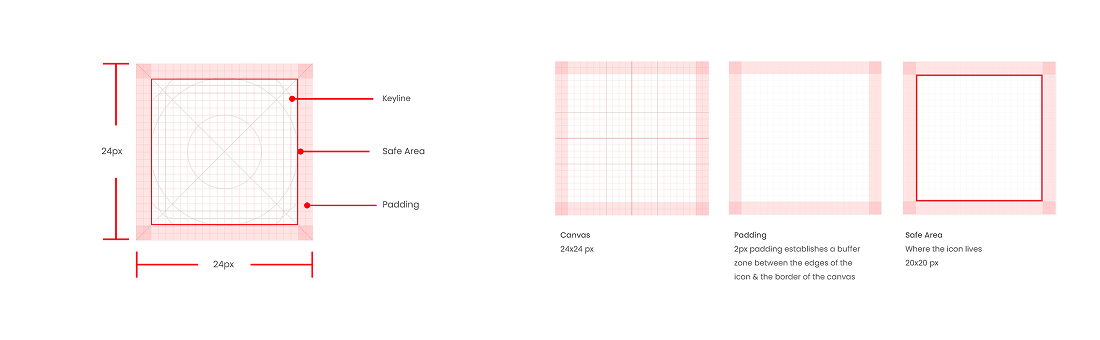
Canvas & Guides

  • Canvas: 24x24 px Frames with 1px Grid
  • Padding: 2px padding around the canvas
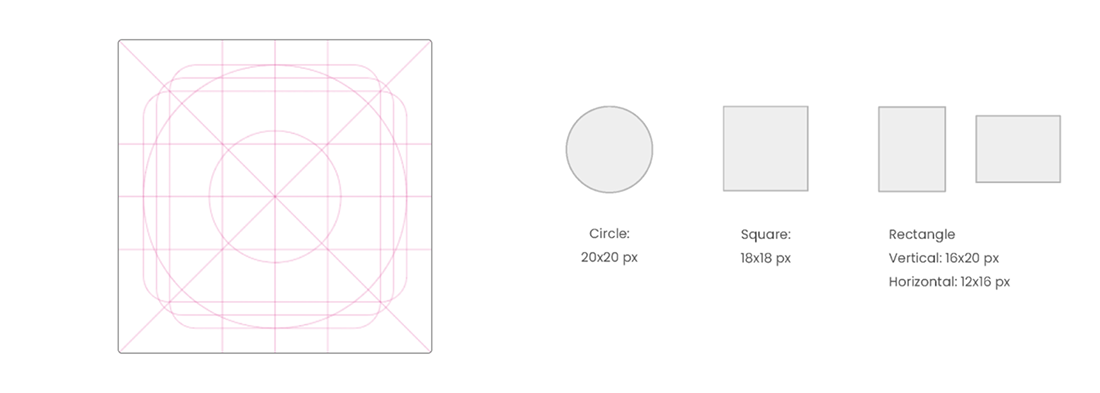
  • Safe Area: Icon lives within the 20x20 px guide

Keyline Guides

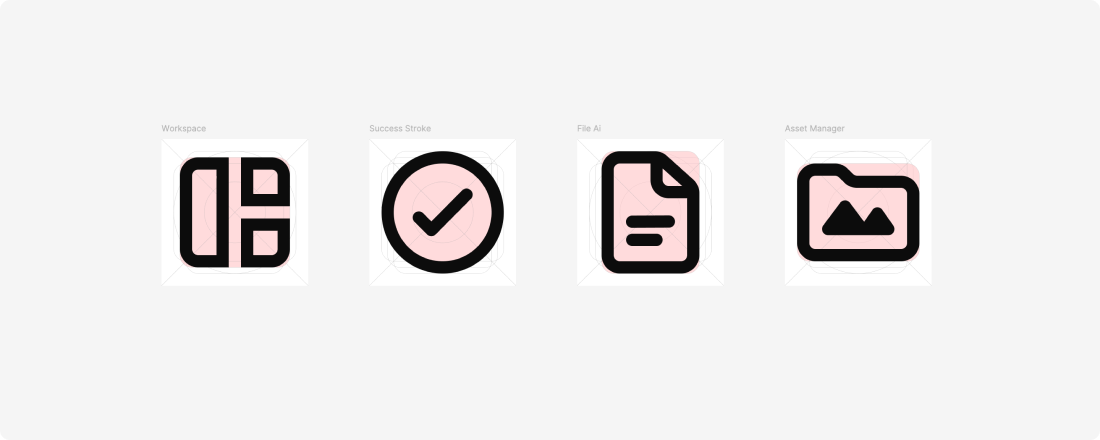
Keyline Guides are guidelines that consist of basic geometric shapes 
(circle, square & rectangles) and help maintain the proportions 
of the icons.

Drawing the Icons

Drawing the Icons

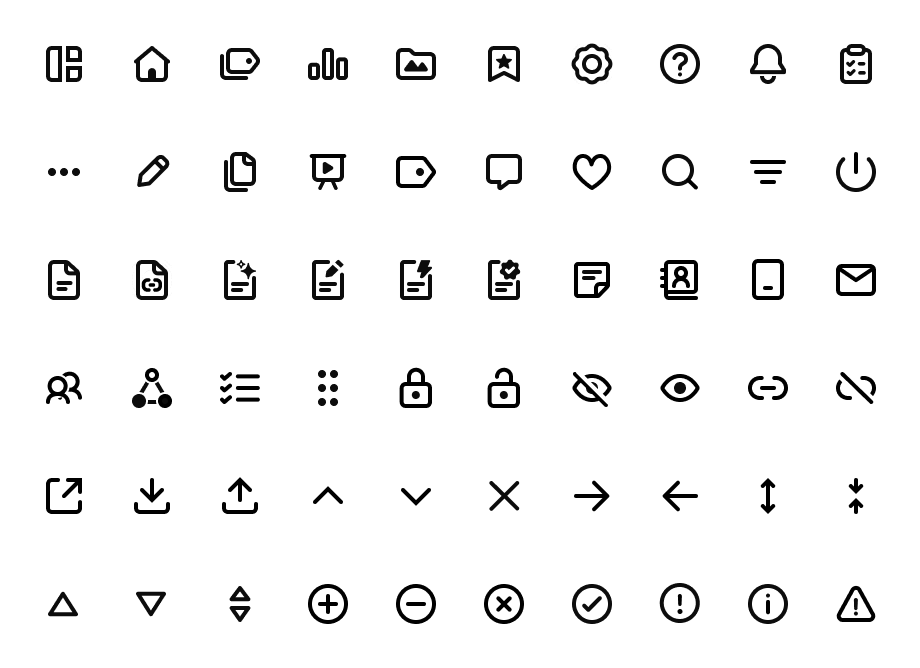
The icons will be minimal with thick borders and rounded corners.


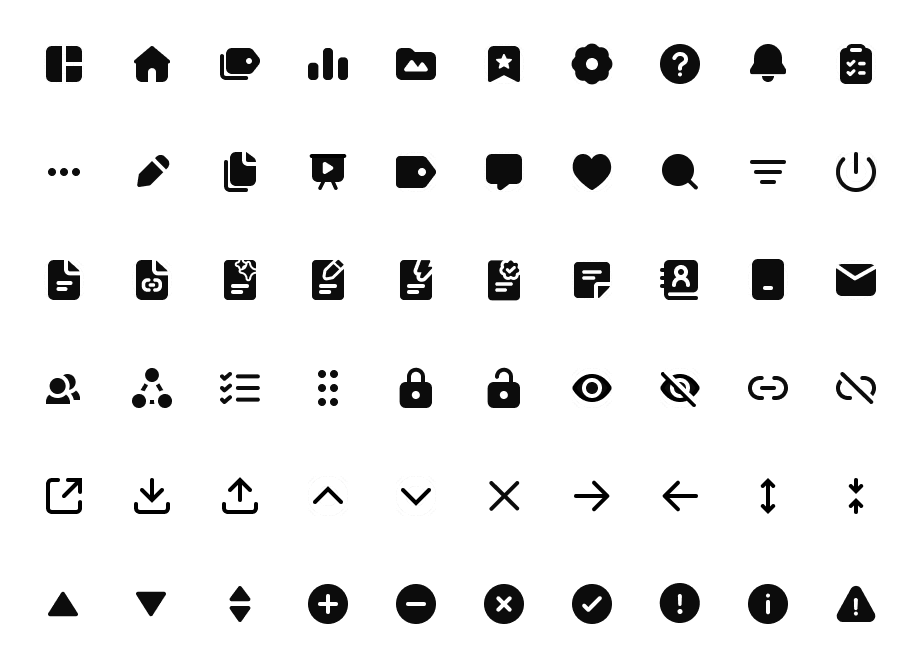
The icon set will also have variants (outlined & filled).

Establishing this in the beginning will help make the icons consistent.

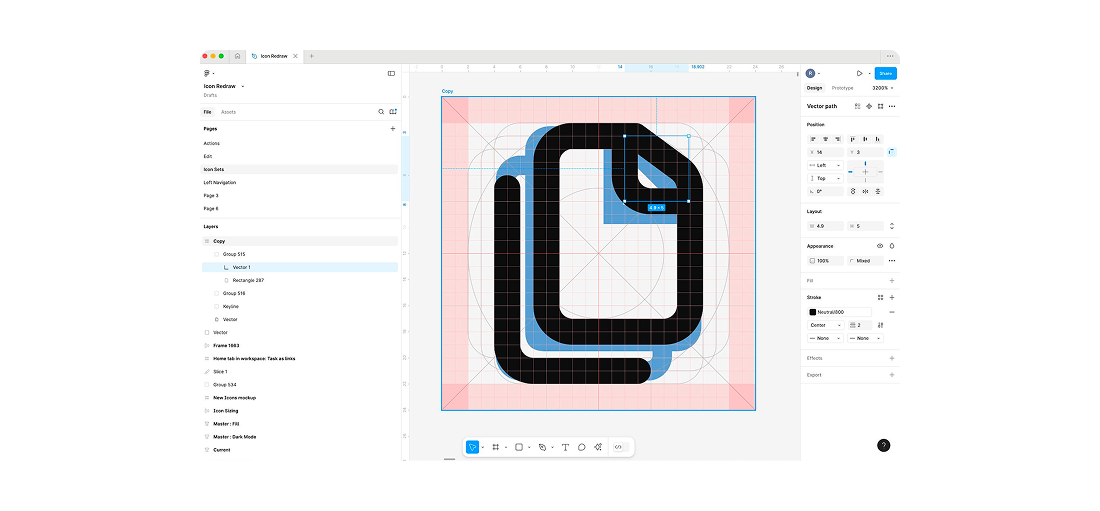
The canvas will have multiple layers: 

Top Layer: New Icon artwork

Bottom Layer: Existing Icon or reference

Using the keyline guides to create a variety of icons with different shapes

Using the guides helps maintain a consistent styling so the icons feel like they are part of the same family.

Varients

Icon sets with variants help create flexibility.